ContactSign inSign up
Contact
Storybook AI & Agents Playwright Cypress

UI context makes agents dependable

Chromatic publishes Storybook MCP to a secure cloud endpoint to give agents UI context. Our platform validates what agents build and fixes what they break. Access control and governance are built in.

Request early accessBook a demo
webflow logo
replit logo
retool logo
dayforce logo
perplexity logo
uipath logo
webflow logo
replit logo
retool logo
dayforce logo
perplexity logo
uipath logo
webflow logo
replit logo
retool logo
dayforce logo
perplexity logo
uipath logo
webflow logo
replit logo
retool logo
dayforce logo
perplexity logo
uipath logo
webflow logo
replit logo
retool logo
dayforce logo
perplexity logo
uipath logo

Powered by Storybook

Storybook exposes UI as structured components and stories through a local MCP server. This helps agents generate higher-quality code while using fewer tokens.
Chromatic publishes that MCP so agents can reference the same UI context, with access control, test validation, and human governance.
Isolated frame for componentComponent
Accessibility panel component
Claude CodeOpenAIGemini+ IDEs
Works with your agents
Compatible with common agents and IDEs so UI context is available during code generation.
Compose context remotely
Reference published Storybooks without running or maintaining an MCP server locally.
Combine multiple Storybooks
Expose UI context from multiple Storybooks and stitch them together locally.

Force agents to use your patterns

Teams only merge when code conforms to their codebase. Force agents to reuse existing components instead of inventing new ones or hallucinating. This speeds up review and avoids pattern drift.
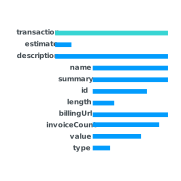

Your components
Cascade graph component
Line graph coral component
Slider component
Datepicker component
Multiselect component
Pie chart component
Marketing buttons component
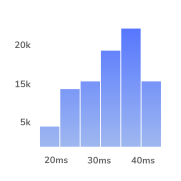
Histogram component
Text component
Agent output
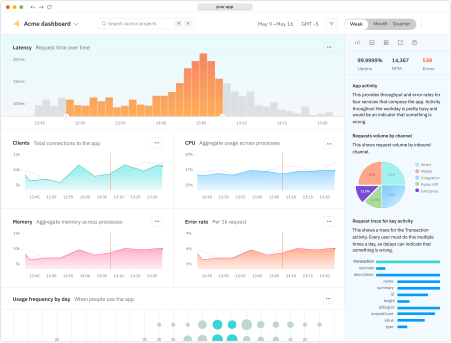
Agent uses your components to generate the page
Complete UI context
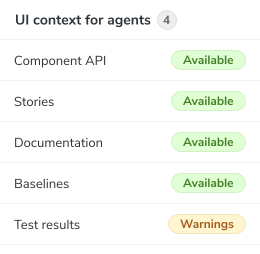
Serve component APIs, docs, and examples so agents work from real UI patterns.
Optimized for tokens and latency
Context payload is structured to minimize token usage and keep prompts fast even as projects grow.
Self-updating context
UI context updates automatically on every commit without manual refreshes or rebuild steps.

Garbage in, garbage out

Agent quality depends on the components they’re given. Chromatic ensures that all UI context exposed through MCP is validated by UI Tests and human review.

Validation loop illustration showing code generation which is then validated with tests in Chromatic. If all tests pass, the code move to production. If tests fail, the code is sent back for fixing and re-validation.
Generate UI
Agents reference UI context to reuse & extend your code
Validate changes
UI changes pass visual, interaction, and a11y tests
Context improves
The system improves with every merge

Manage UI context by branch

Chromatic publishes an MCP server for every branch. This lets you experiment with different shapes of UI context and confirm behavior before shipping.
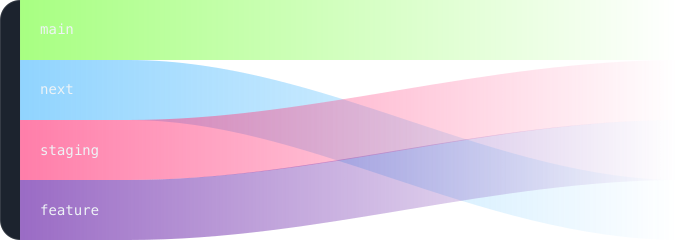
Branching diagram showing MCP servers per branch

Secure AI workflows

Secure access to UI context with built-in authentication. Permissions sync with GitHub, Bitbucket, GitLab, or SSO.

SSO and OAuth
Authenticate requests with your organization’s identity provider.
Role-based access
Control who can view or consume UI context across teams and projects.
SOC 2 Type 2
Third-party auditors validate that we comply with the highest standards for security, availability, and confidentiality.
Get agents to build with your components

Frequently asked questions